Home Tee Hero V2
Full courses in first person, built on 1m LiDAR, for the Approach R50.
- Product Architect → Senior Technical Artist
- 2022 to 2026
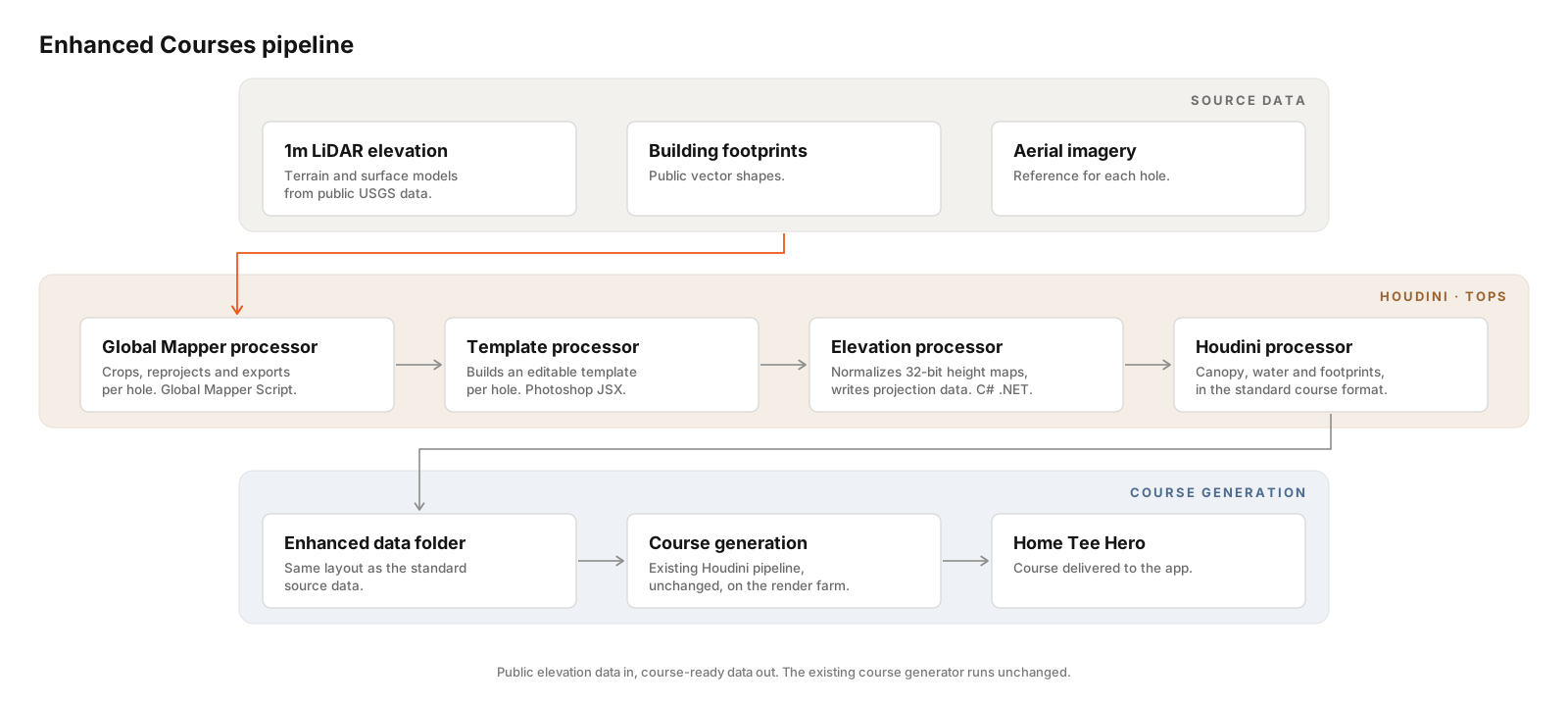
- Enhanced Courses pipeline
- Houdini TOPs, Python, VEX, Global Mapper Script, C#, Photoshop JSX

Version one opened a new market for the company. Afterward I worked with my supervisor and HR to define its first Technical Artist job title, which led to hiring a small team in that role.
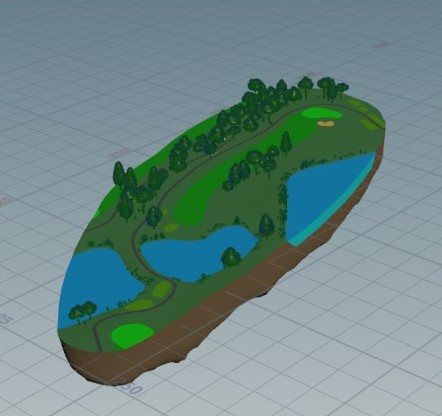
The first version showed each hole from above, as an island, so it could run on low-end phones. The second version, for the Approach R50, put the player on the course in first person with the full course around them.
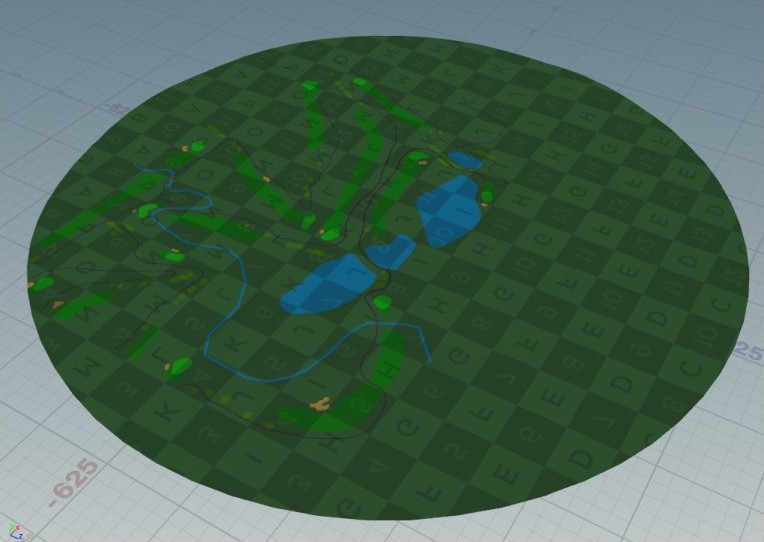
A first-person view needs a believable horizon: trees, buildings and terrain well beyond the hole itself. The source data had to grow to match.
Better data
Version one and version two both ran on Intermap-derived elevation data at 4m resolution or coarser. For Enhanced Courses I sourced 1m USGS LiDAR data.
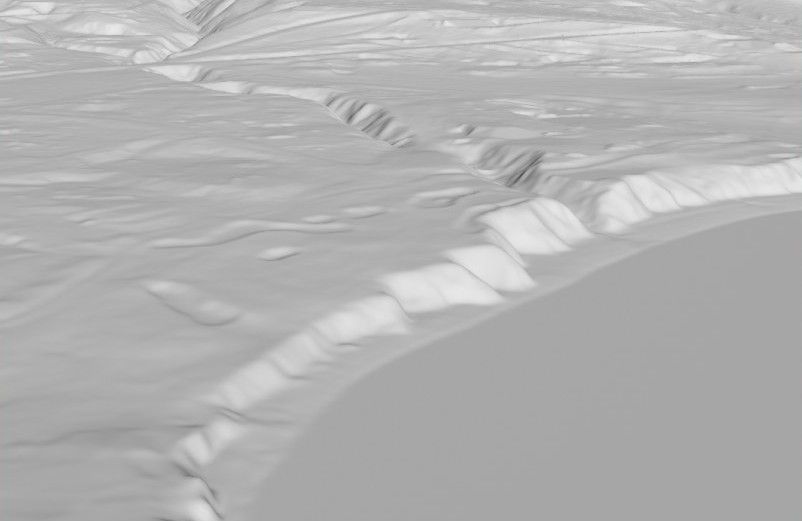
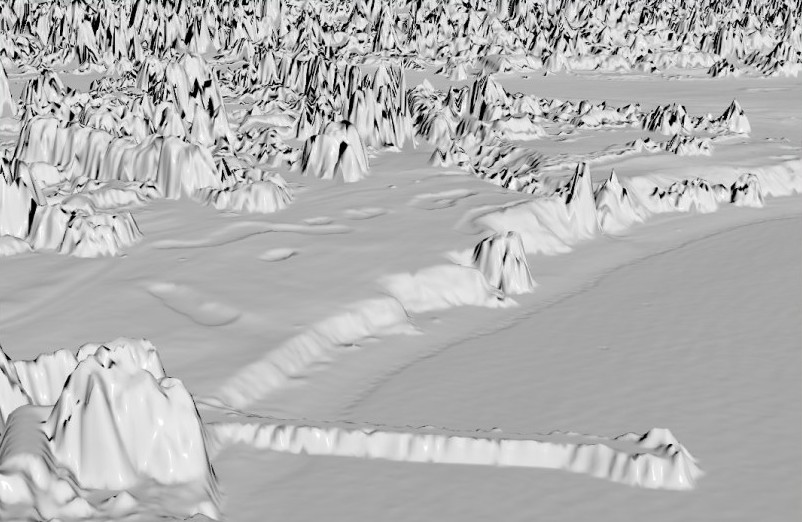
LiDAR elevation comes in two forms: a terrain model of the bare ground, and a surface model that still has the trees and buildings on it.
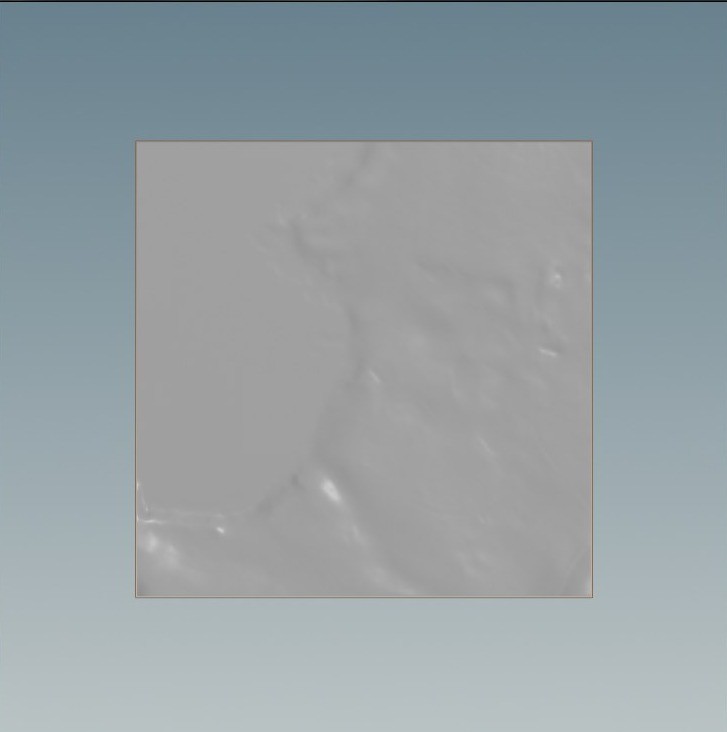
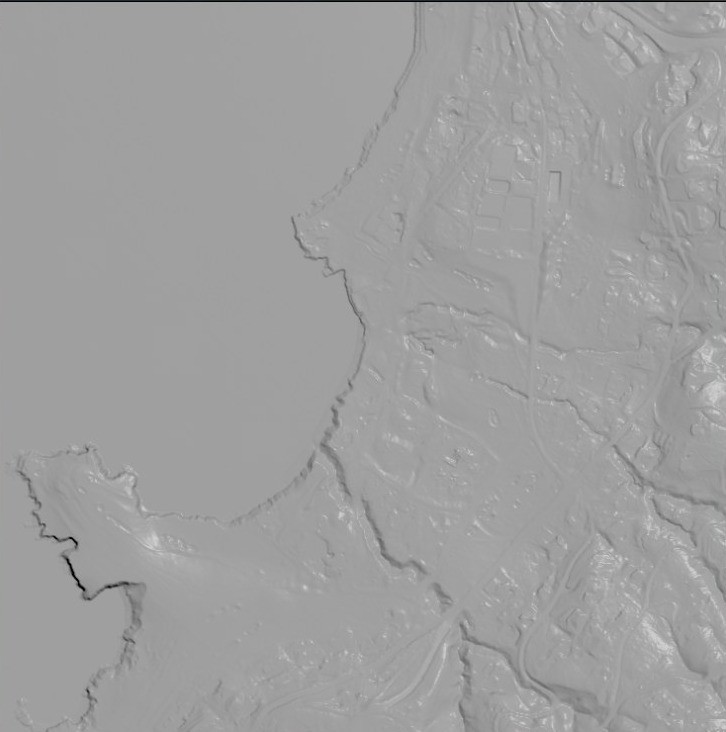
Tree coverage
On standard courses, tree areas are traced by hand around each hole. Tracing all 42,000 courses takes a large team more than two years.
The Enhanced method needs no tracing. From free USGS LiDAR data it finds tree areas automatically, along with their heights and some low-lying vegetation, across the whole area and not only beside the holes.
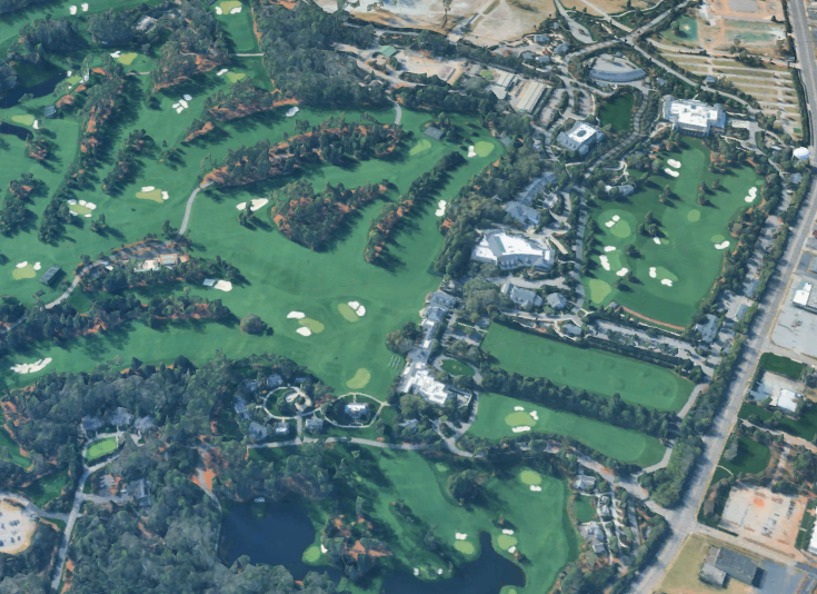
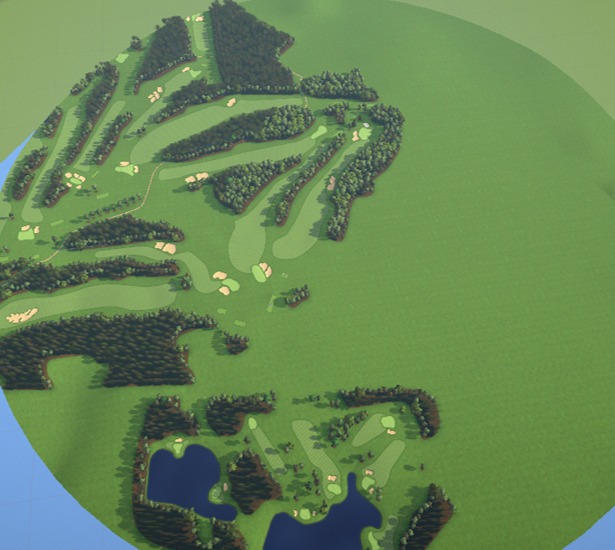
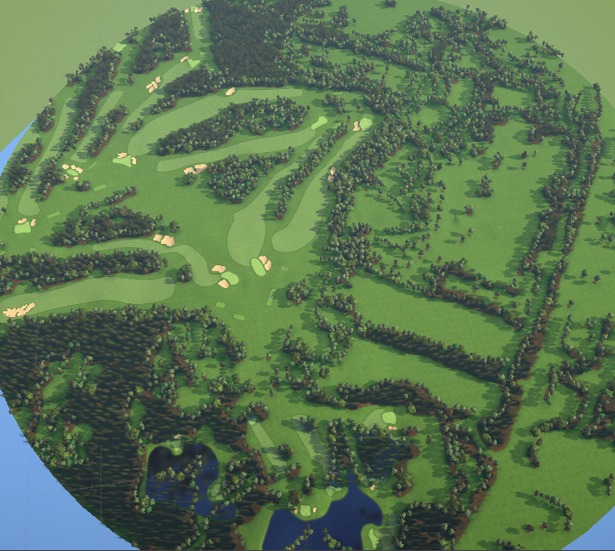
Canopy and water
Subtracting the terrain model from the surface model cancels the ground and leaves only what stands on it. In Houdini I turned that difference into vegetation shapes with real heights: under 2m is brush, over 2m is trees. Removing known building footprints leaves vegetation alone, and the same step in reverse gives building heights.
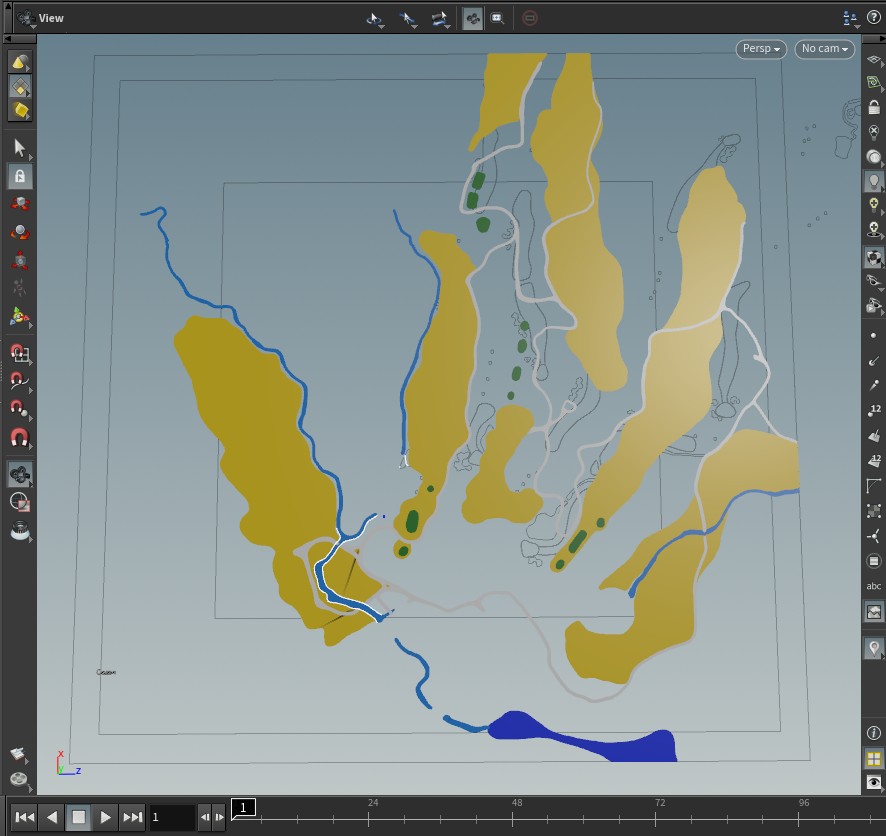
Water came from the terrain itself. Flat regions of the heightfield were selected and extracted as ocean and lake shapes, including coastlines and islands.
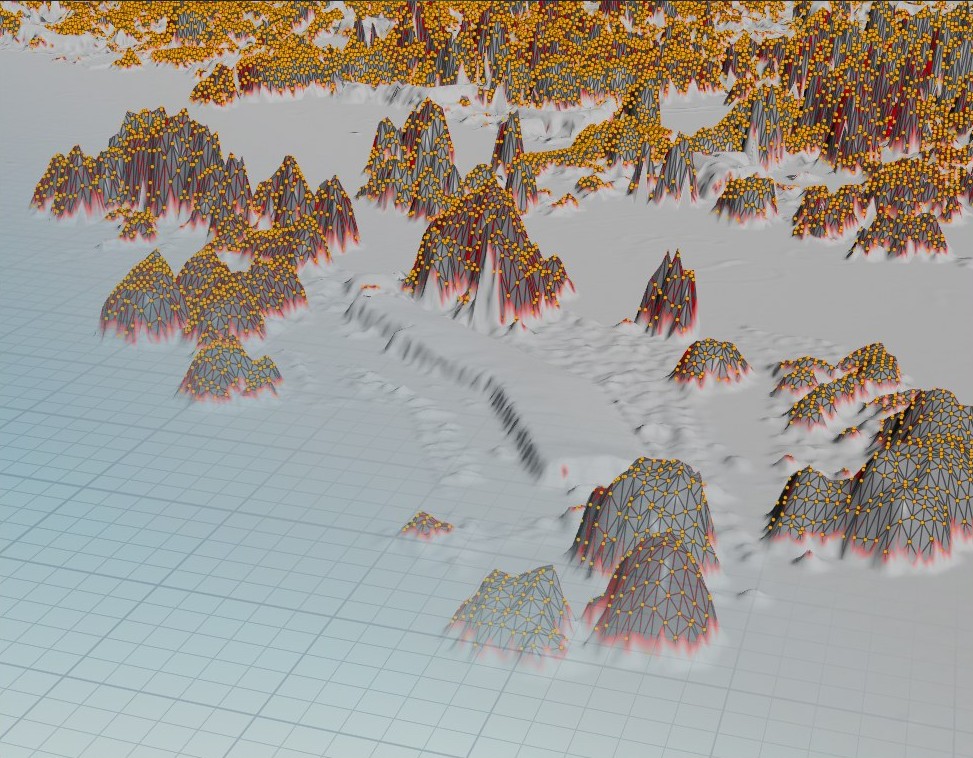
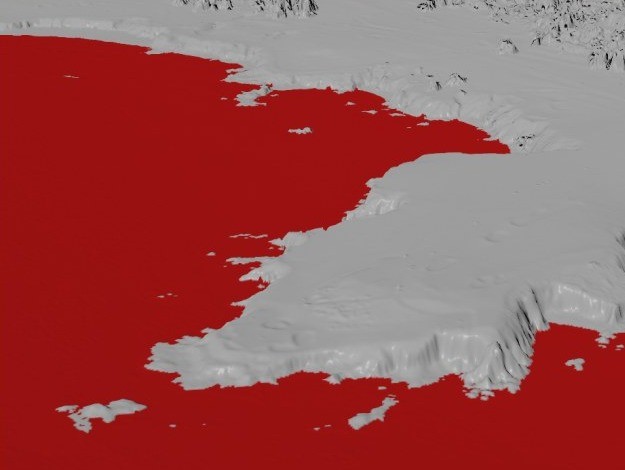
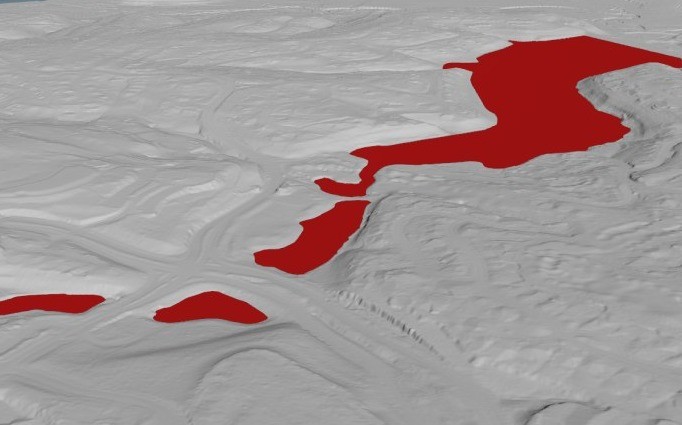
The pipeline
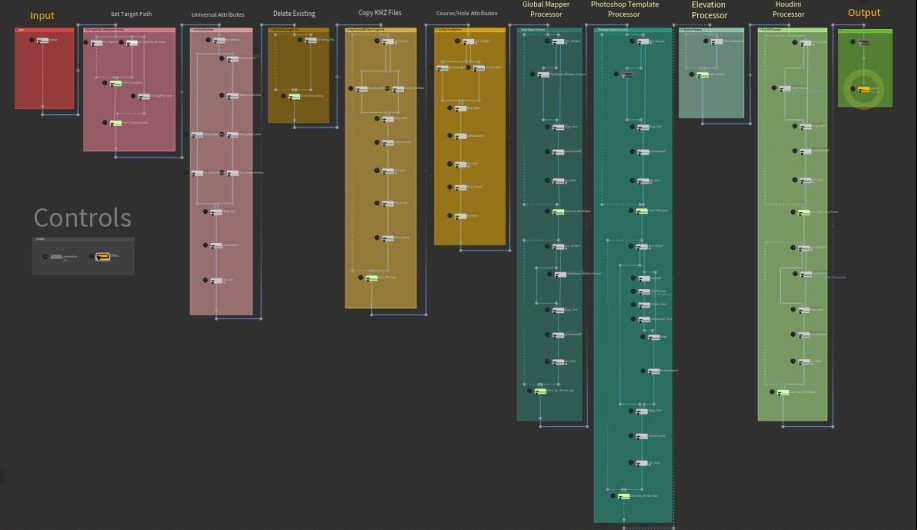
Doing this by hand meant exporting a stack of files for every hole, 18 holes a course. That was workable for a handful of courses and impossible for thousands, so I built it as an automated pipeline in Houdini TOPs.
Four processors run in sequence. Global Mapper crops and reprojects the data, driven by Global Mapper Script. A Photoshop step builds an editable template for each hole. A C# tool normalizes the elevation maps. A Houdini processor then converts everything into the same format as the standard source data, so the existing course generator runs on it unchanged.
Custom features
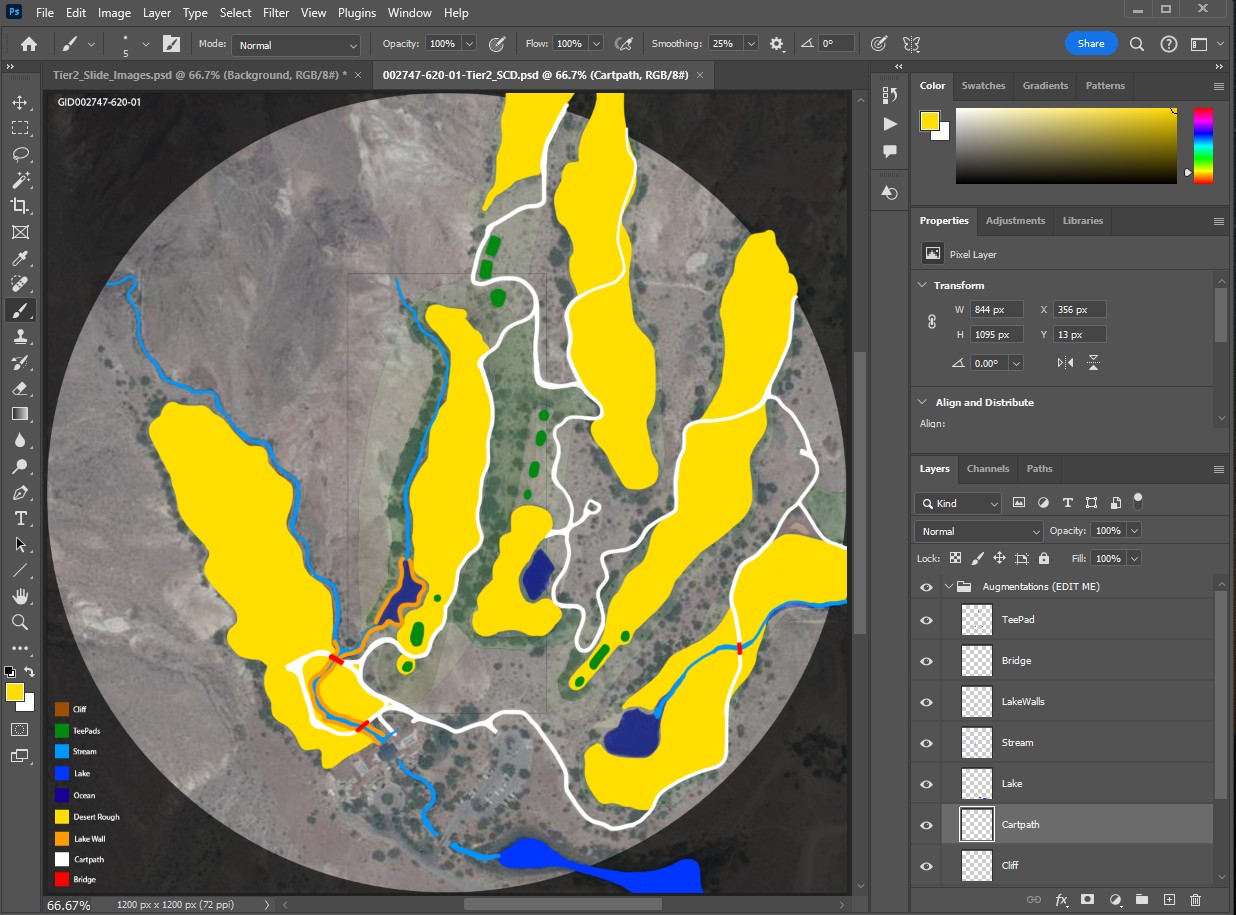
Some courses need a human touch: a missing tee pad, a bridge. The pipeline generates a Photoshop template for each hole, so anyone with Photoshop can paint the feature in. On the next run the Houdini processor converts the edit into course data, with no Houdini or Unity license needed.
Result
- Working prototype of the Enhanced Courses pipeline, completed in February 2025.
- Per-hole data preparation that had been done by hand now runs automatically.
- Output matches the standard source format, so the existing course generator needed no changes.